
If you rent out your batting cage, a Google Business Profile (formerly Google My Business) is one of the most powerful free marketing tools available. It puts your cage in front of local players searching "batting cage near me" — with zero ad spend. Here's how to set it up.
Why Google My Business Matters for Batting Cage Owners
When someone searches "batting cage near me" or "batting cage rentals in [city]," Google shows a map pack of local businesses at the top of the results. A verified Google Business Profile is how you appear in that map pack — above organic search results.
Step-by-Step Setup
Step 1: Create or Claim Your Profile
Go to business.google.com and sign in with your Google account. Search for your business name. If it's not listed, click "Add your business." If it exists (Google sometimes auto-creates listings), click "Claim this business."
Step 2: Choose the Right Business Category
Select "Batting Cage Center" as your primary category. You can add secondary categories like "Sports Complex" or "Recreation Center." Accurate categories are how Google matches you to relevant searches.
Step 3: Add Your Address or Service Area
If you're running a backyard operation, you can list a service area instead of a specific address for privacy. This still allows you to appear in local searches.
Step 4: Add Hours, Photos, and Description
Fill out your profile completely:
- Hours: When is your cage available for booking?
- Photos: 10+ high-quality photos of your cage are essential
- Description: Include keywords like "private batting cage rental," your city name, and key amenities
Step 5: Verify Your Listing
Google will mail a verification postcard to your address with a code. Enter it in your profile to go live. This takes 5–7 days.
Linking to Your CageList Profile
Add your CageList listing URL as your booking link in your Google Business Profile. This creates a direct path from discovery (Google) to booking (CageList). Many hosts see a significant increase in bookings after making this connection.
Getting Reviews
Ask every renter to leave a Google review after their session. A simple text: "Thanks for coming! We'd love a Google review if you enjoyed your session — it helps others find us." Most happy renters will leave one when asked directly.
Final Thoughts
A fully optimized Google Business Profile takes about 30 minutes to set up and can drive consistent inbound bookings indefinitely. Combined with a strong CageList listing, it's the foundation of a marketing strategy for any batting cage owner.
Keep exploring on CageList
- List your batting cage
- Read CageList host resources
- Estimate your cage earning potential
- See how hosting works
Make the listing do more work
For How to Create a Google My Business Listing for Your Batting Cage, hosts should think like a first-time renter. The listing should answer what the cage is, who it is best for, when it is available, what equipment is included, where to park, and what rules matter. The less a guest has to guess, the more likely they are to book confidently.
Photos, pricing, availability, and clear expectations are the building blocks. A host does not need to sound like a large facility; the advantage is often privacy, convenience, and a simple place to get quality reps.
Host positioning
How to Create a Google My Business Listing for Your Batting Cage should help a host earn trust before a guest sends a message. The best listings are specific about who the cage serves, what equipment is included, how guests arrive, and what rules keep the space safe. A private backyard cage does not need to compete with a huge academy; it can win by being convenient, clear, and easy to book.
That positioning is how CageList can turn local cage supply into a stronger marketplace.
Get the numbers
Get your free batting cage cost estimate
Enter your email and we'll send you an itemized build breakdown — frame, netting, turf, lighting, and install — plus what a cage like yours could earn if you rent it out.
No spam, unsubscribe anytime. Prefer the interactive tool? Open the full cost calculator.
Already have a cage?
Rent it out when you're not hitting
Players, parents, and coaches near you are looking for cage time. Listing is free, you set your own price and hours, and you approve every booking.
Related Guides
View all articles
List Your Cage
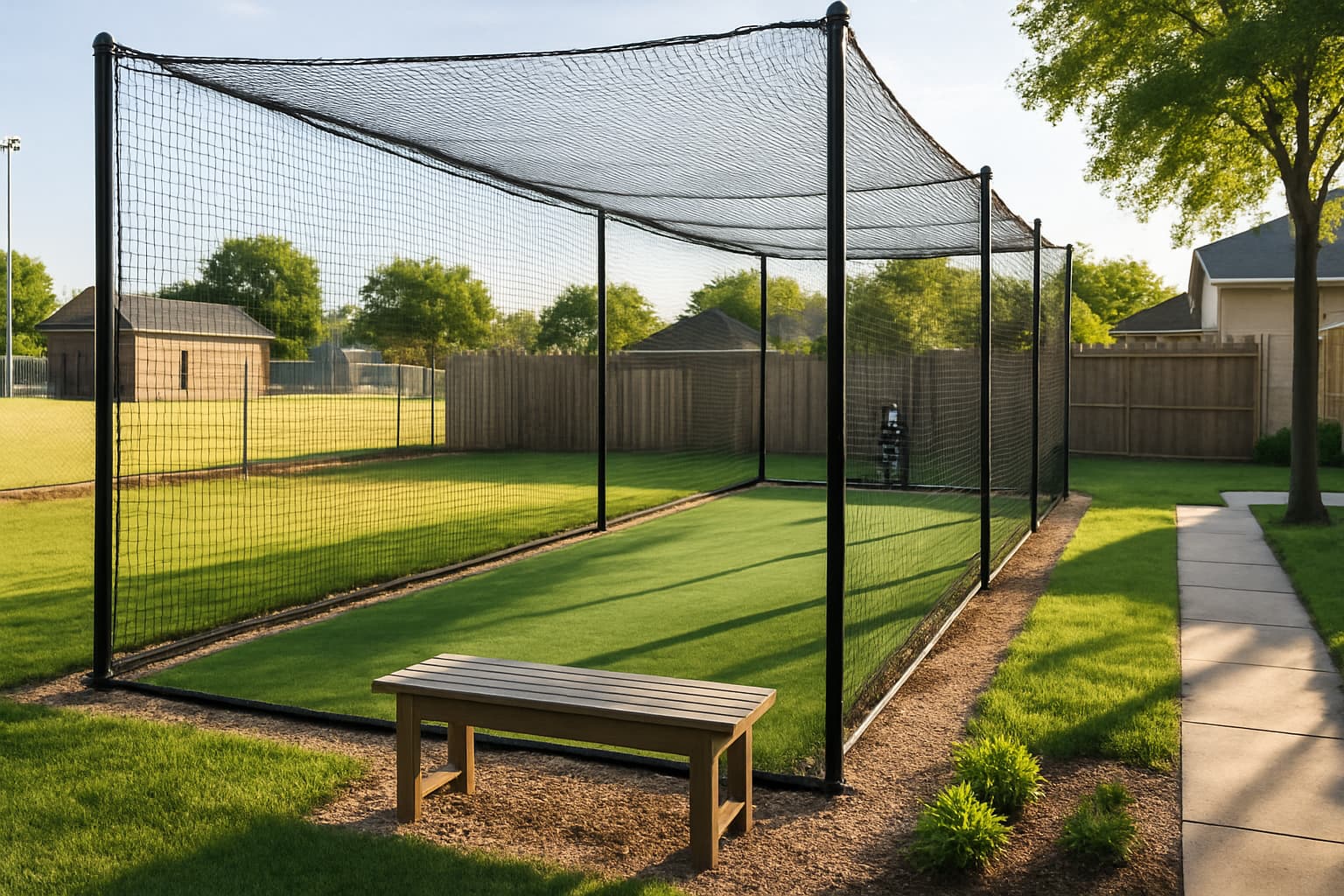
Can Your Little League Rent Out Its Batting Cage?
Most leagues own a cage that sits idle most of the year. Opening it up is usually allowed — it depends on who owns the ground, what your use agreement says, and what your liability policy covers. Here is how to check all three.
List Your Cage
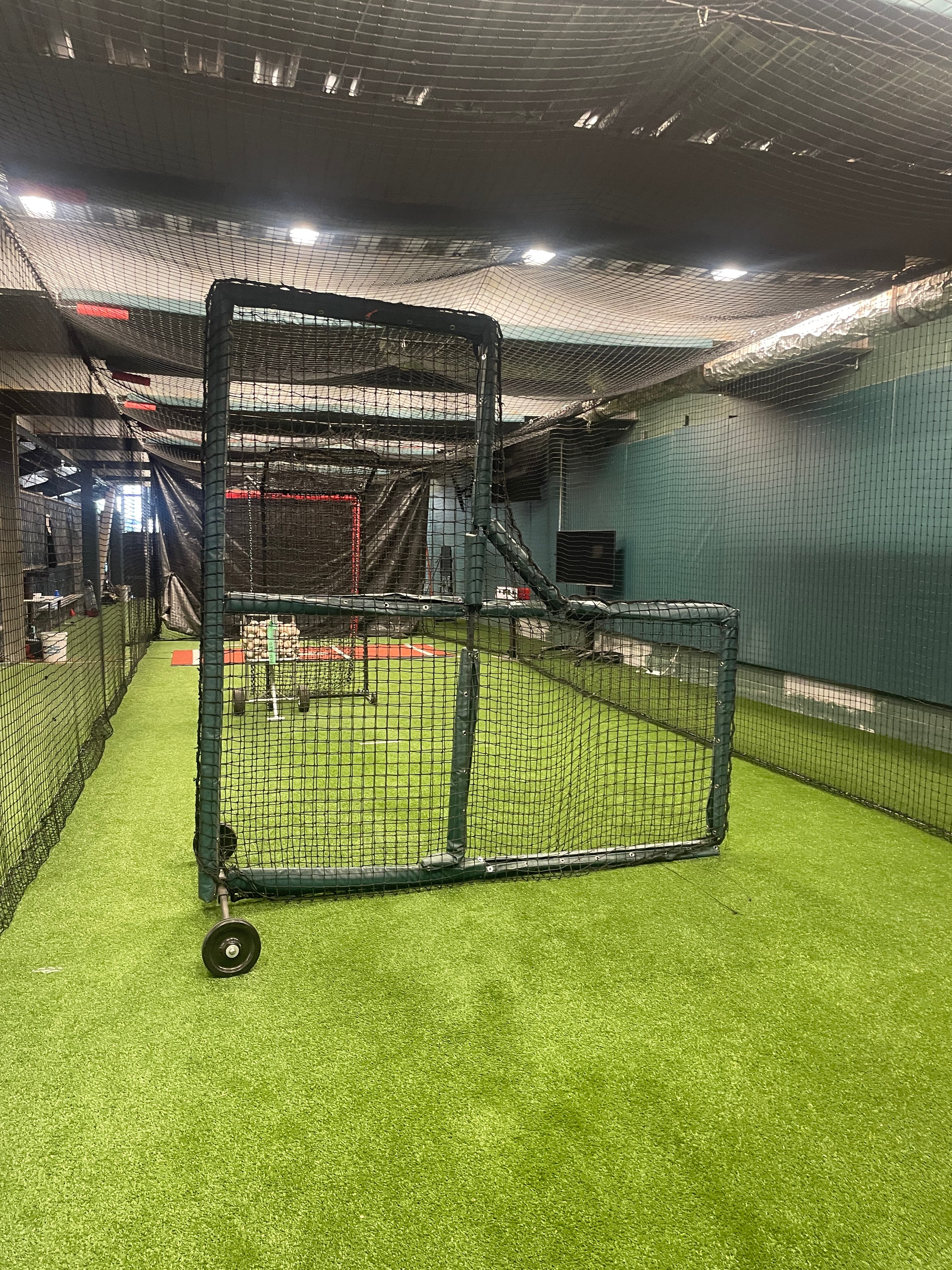
How Much Should You Charge to Rent Out Your Backyard Batting Cage?
Go too high and the calendar sits empty; too low and you leave money on the table. Here is the repeatable way experienced hosts price a backyard cage.
Find & Rent Batting Cages
What You Actually Get at a HitTrax Cage in Dick's Sporting Goods
Dick's runs two different services in the same HitTrax cage, and they cost very different amounts. Here is what you get, what it costs, and when a real cage is the better call.
Run a travel team? Get your free page.
Baseball or softball. Claim a free directory page, post tryouts, and share cagelist.com/@yourteam with families.
Find your league
Free directories of real leagues and clubs near you — then book a batting cage to get your reps in before opening day.
1,000 organizations


Join the backyard batting cage community
Talk builds, gear, hosting and player development with cage owners, coaches, parents and baseball families.