How CageLog works
Posts from your cage that show on your page and in your followers' feeds.
What it is
CageLog is the feed on CageList. When you post from your cage, the post shows on your page and in the feeds of everyone who follows you. It is how people who already like your cage hear about new times, sessions and updates without you messaging each of them.
That matters because repeat bookings are where a cage earns steadily. A family that sees your open Saturday slot in their feed books it without searching.
What to post
New cage photos
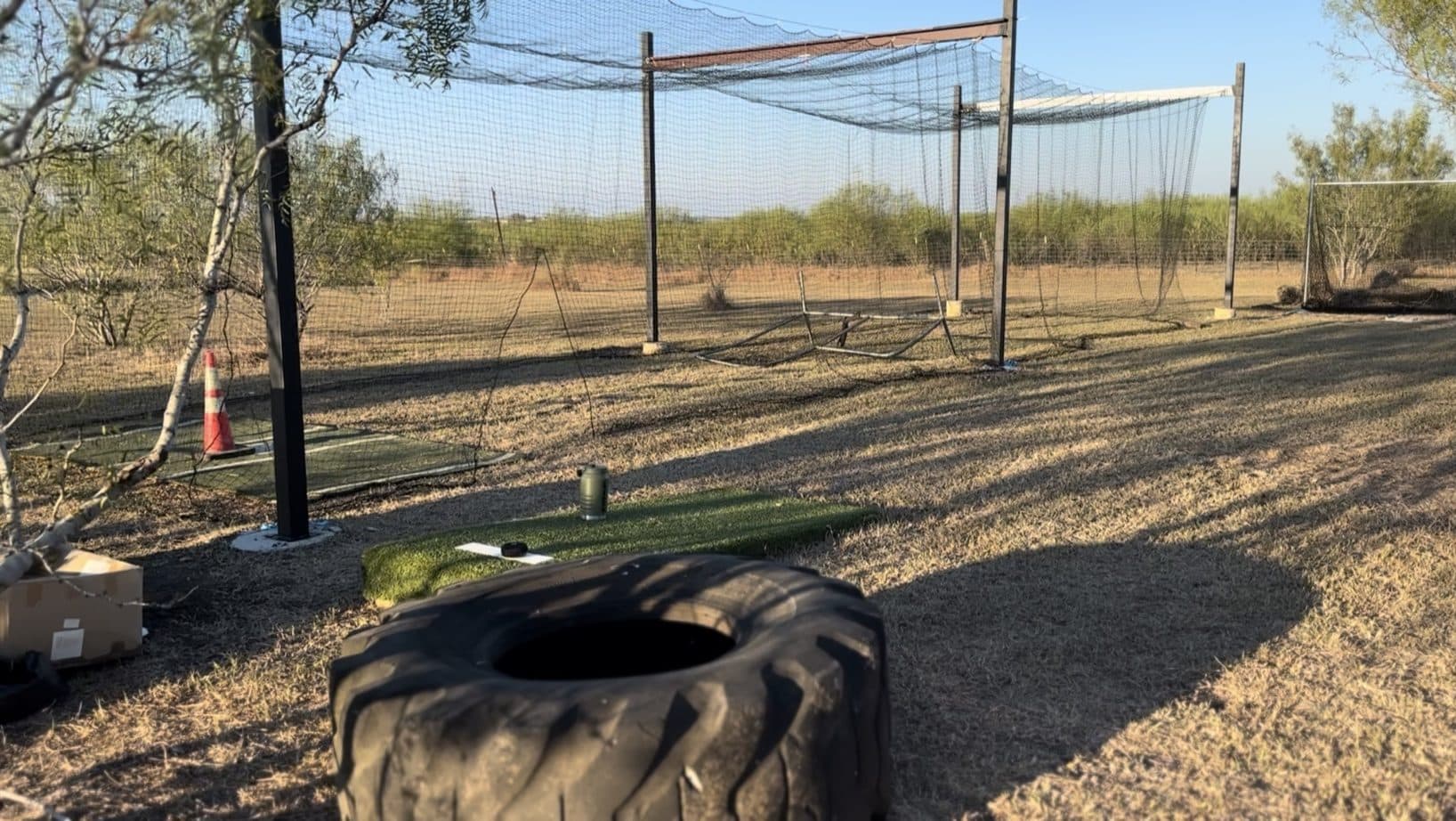
A fresh net, new turf, a clean setup. Photos are what people stop on in a feed.
Open times
Saturday morning just opened up. Say so; followers who were waiting for a slot will see it.
Tips
A drill that works in a small space, how you set the machine for younger hitters, what to bring.
Wins
A kid who hit their first ball over the infield, a team that practiced all week. With the family's okay, of course.
Real photos beat polished ones. Shoot your own cage, and ask a family before you show their child.
Also post to Instagram
Instagram is the one outside account CageLog can post to today. It is opt-in on every post, so nothing goes out unless you tick the box.
- Make sure the Instagram account is a Business or Creator account (Instagram, Settings, Account type) and is linked to a Facebook Page you manage.
- Open CageLog and start a post. Under the photo area, tap Connect next to the Instagram line.
- Approve the permissions on the Meta screen. CageList only publishes the posts you choose to send.
- On any post with at least one photo and public visibility, tick Also post to Instagram, then post. Your caption goes with the photo, and your CageList link is added as the first comment, because Instagram captions can't hold a clickable link.
If you don't see a Connect button in the composer yet, Instagram posting is not switched on for your account. Posts to CageLog work either way.
Make a home for the cage
If you don't have one, create an Instagram account or a Facebook Page just for the cage, separate from your personal profile. Neighbors and parents follow a cage more readily than a person, and you keep family photos out of it. An Instagram Business or Creator account linked to a Facebook Page is also what lets CageLog post to Instagram for you.
What followers see
Your photo and caption, your name, and the cage you tagged, so they can tap through and book. Followers who are signed in see it in their CageLog feed, and public posts also show on your page for anyone who visits. Tag your listing on every post so the booking link is one tap away.
Not many followers yet? Share your page link with the families who already booked. Each follow is one more person who sees your next opening.