One place to run your team
Text one link and your families join with their player's name and age. Then keep the roster, tournament votes, dues and scores in the same place.
Free to set up.
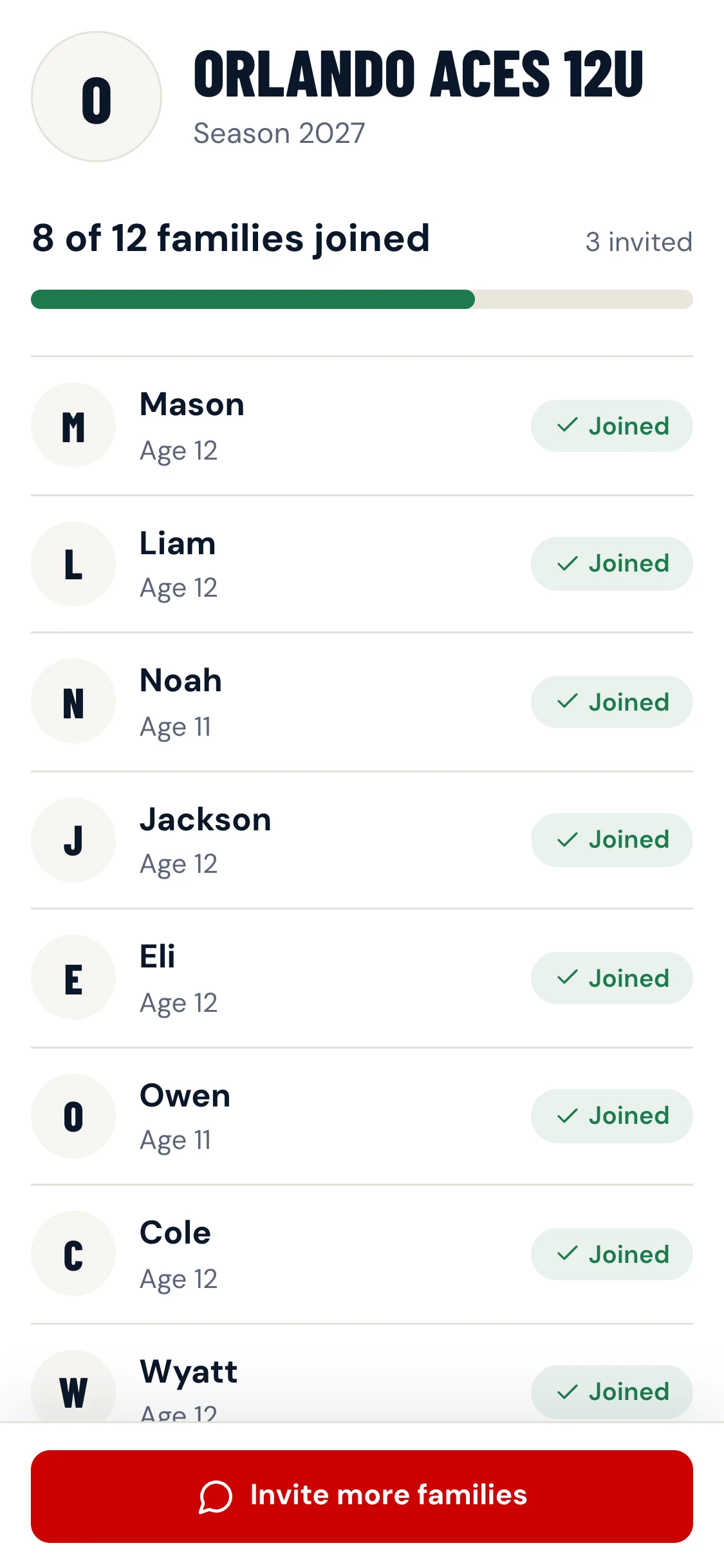
Text one link to your families
Copy the ready-made message into your parents' group chat, or share it from your phone.
One minute for a parent
They tap the link, enter their player's first name and age, and add a phone number only if they want to.
No card, no download
Joining is free and happens in the browser.
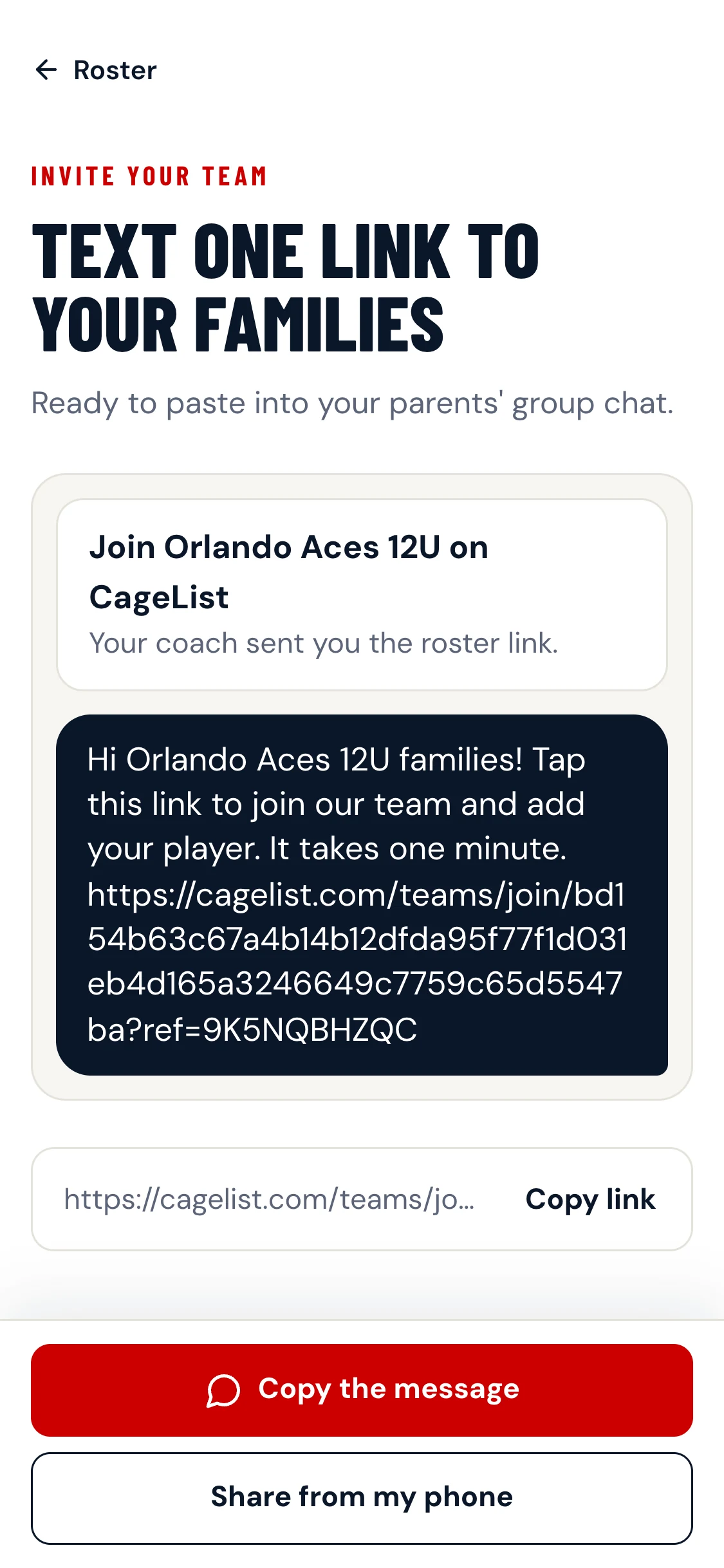
What you send
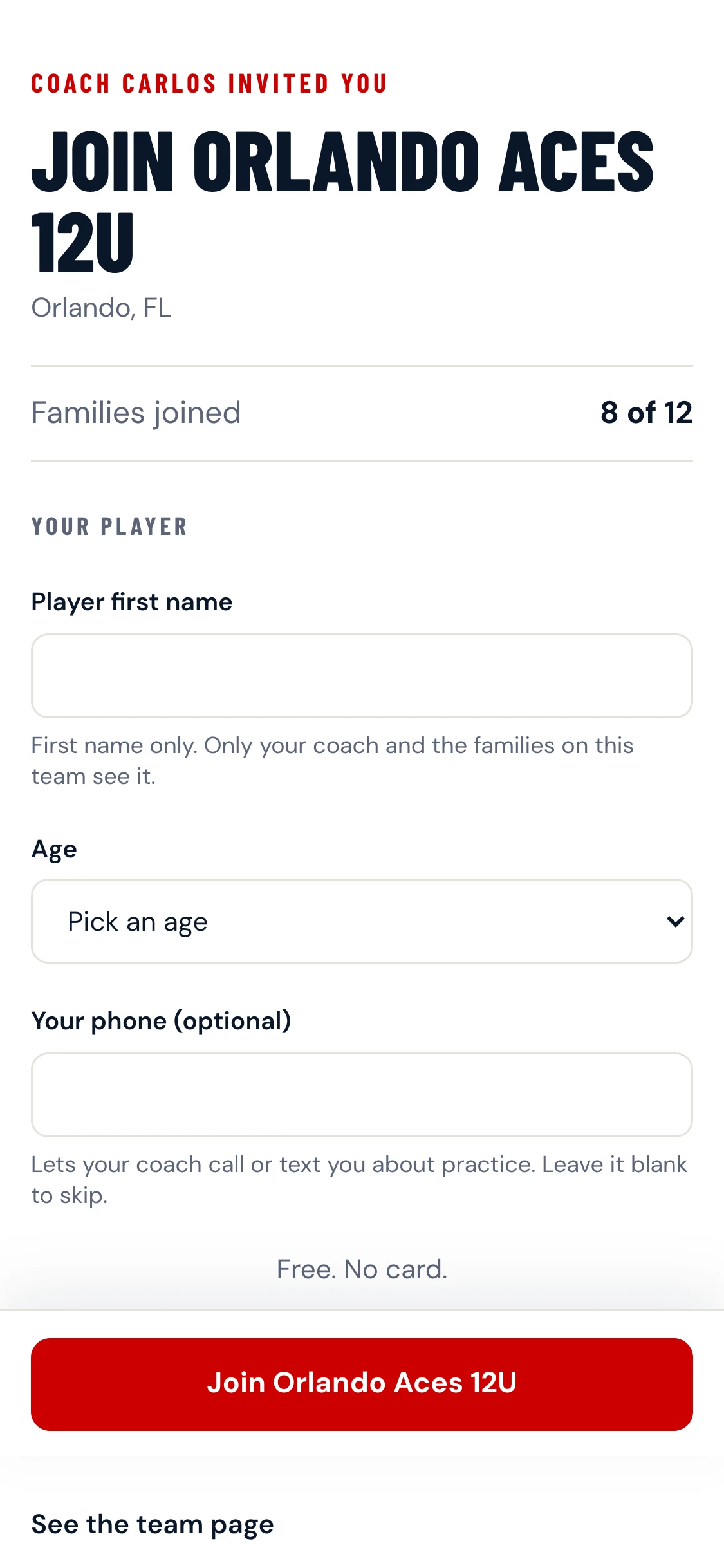
What a parent sees
The roster fills in
Players, ages, who has joined and who is still invited, on one screen.
Count your families
See how many of your expected families have joined, and change the number any time.
Add a player yourself
Enter a name for a family that has not joined yet. They show as Invited until their parent does.
Tournaments, decided together
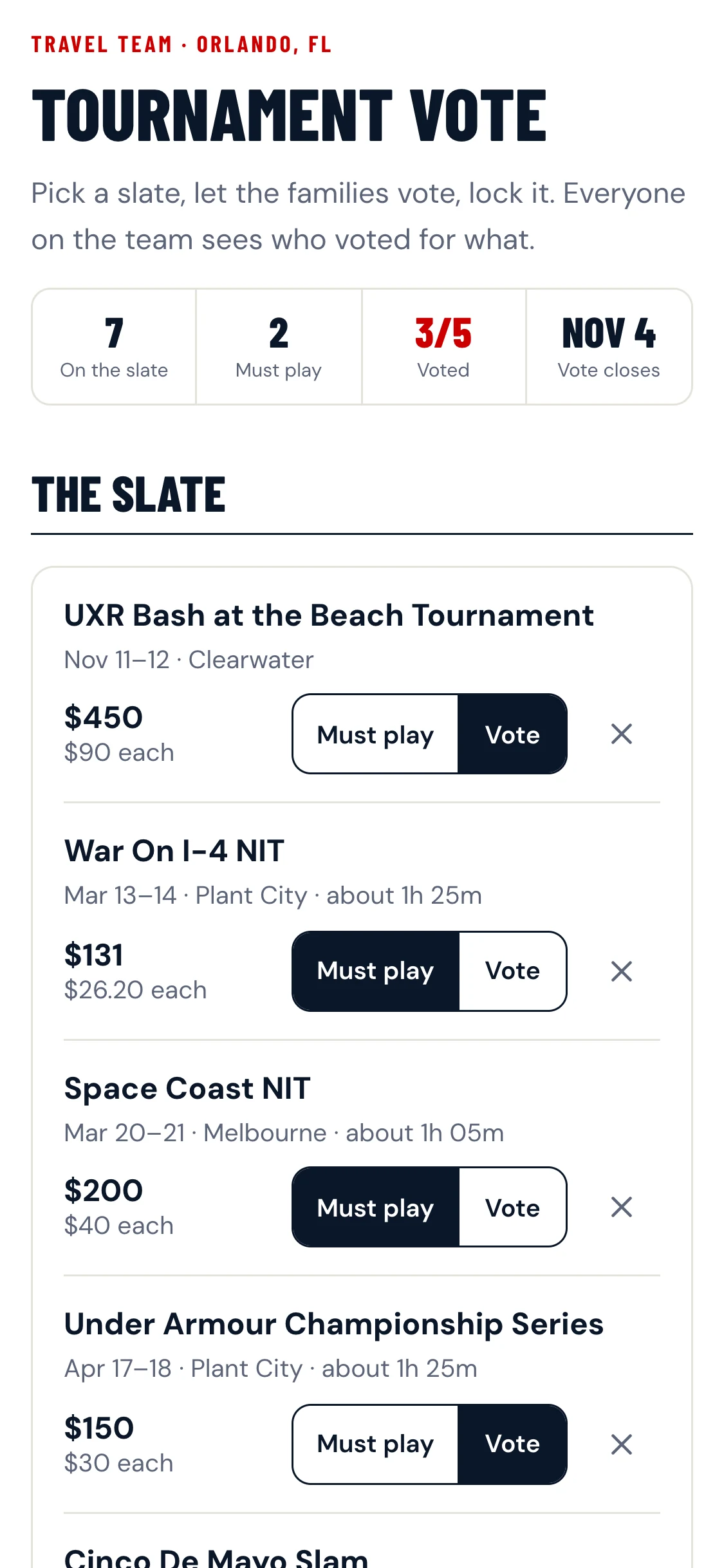
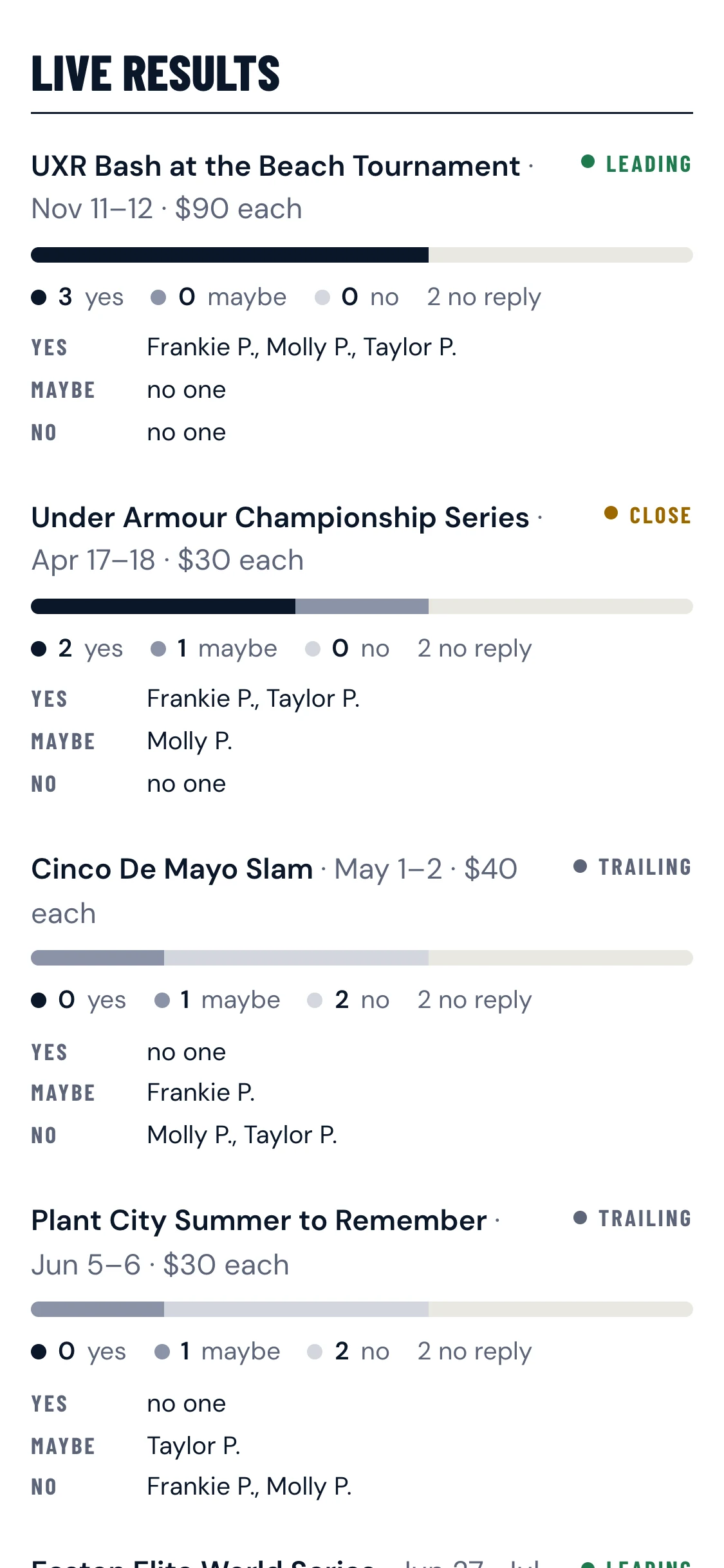
Build a slate of tournaments, let each family answer yes, maybe or no, then lock the schedule.
See how the team voted
Live results show who said what, so nobody has to chase replies in the group chat.
Mark the must-plays
Tournaments you have already committed to are marked Must play, so families vote on the rest.
Names stay on your team
Only you and the families on your team see the votes.
Dues without the chasing
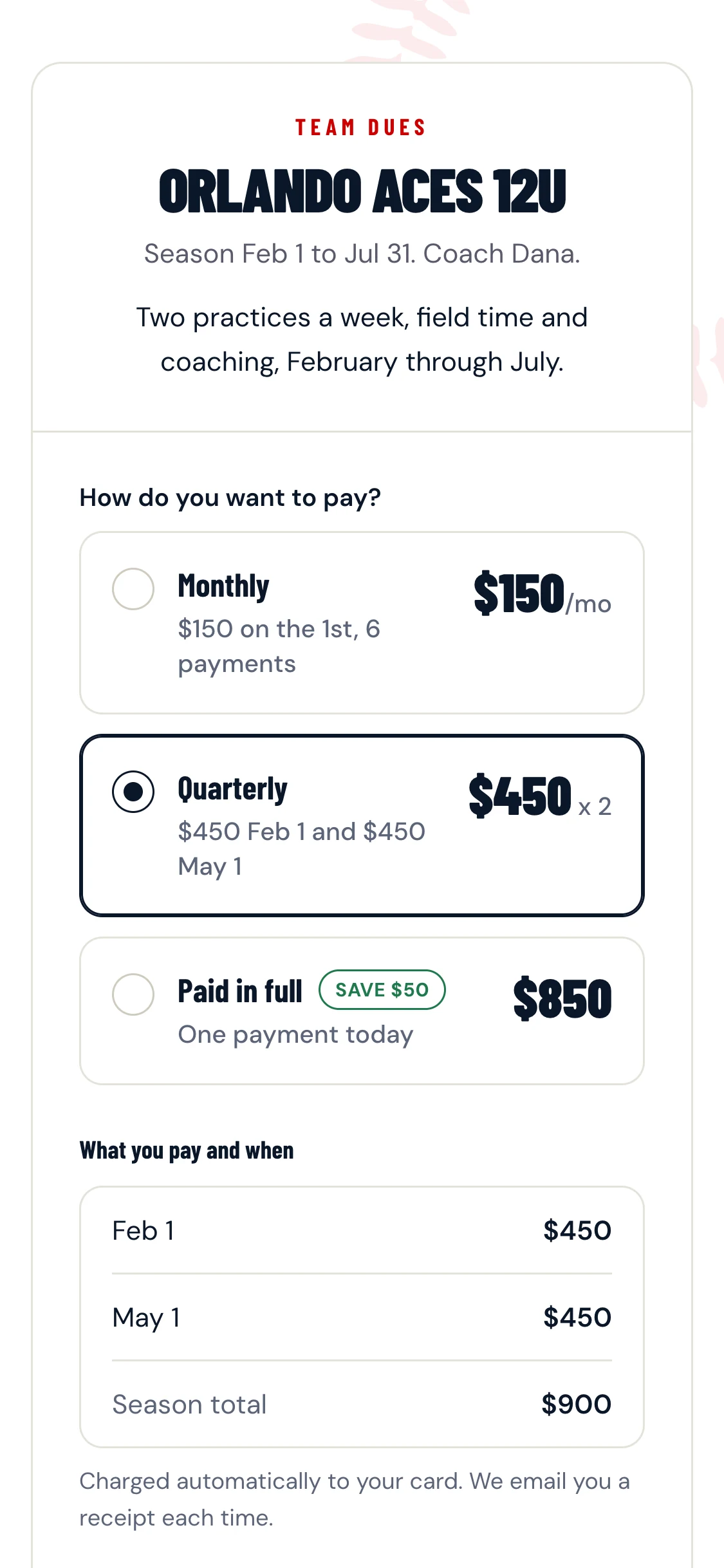
Set a price and send one dues link. Families pick how they pay, and you see payments as they come in.
Monthly, quarterly or in full
You choose which options to offer. Every charge date and amount is shown before a family pays.
Automatic charges
Each family's card is charged on the dates shown, with a receipt each time.
Free to set up. Dues carry their own fee: you keep 95% of what families pay.
Score the games
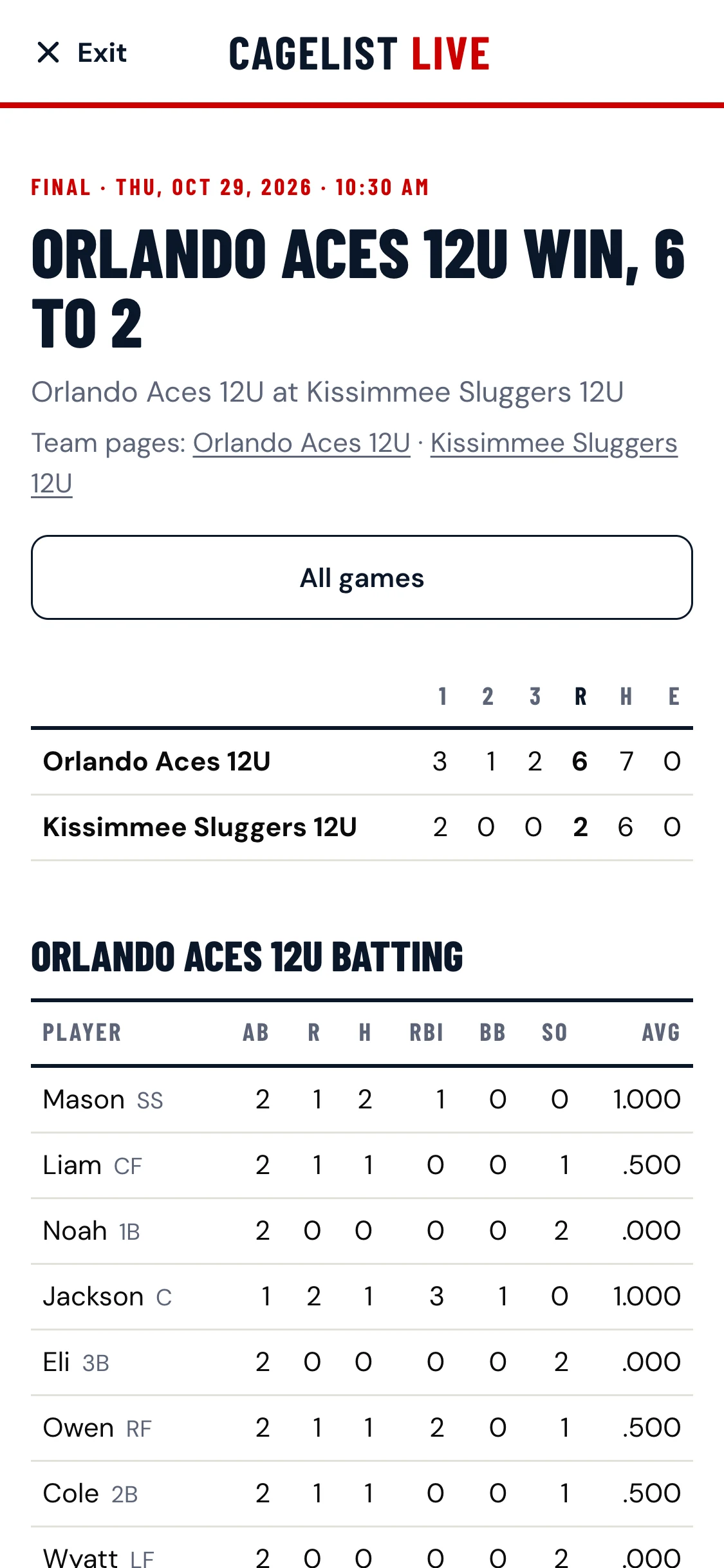
Score from the dugout with CageList Live. Tap each pitch and the box score builds itself. Pick your opponent from CageList teams and the game links to their page too.
Good to know
What does it cost?
Setting up your team and inviting families is free. If you collect dues through CageList, you set the price and keep 95% of what families pay; the card fee comes out of CageList's share.
What do families have to do?
Tap the link, enter their player's first name and age, and continue. A phone number is optional and only your coach sees it.
Who sees the player names?
Only you and the families on your team. Players are first name and age, nothing else.
Do I have to use all of it?
No. Start with the invite link and the roster. The tournament vote, dues and scoring are there when you want them.